 AZRA
AZRA 


Every previous post here has been philosophy and vision. This one is different — let's actually write and understand some AZRA code, from the ground up.
## The Full Program
Here's a small but complete AZRA file that defines a `Person` class, checks their age category, and prints the result:
Imvoke(:"system/64/user")
World-type(:Azra | [ip=127.0.0.1])
--
-0p = Person("Armin", 17)-
-1res = p:category()-
--
Class(:Person | [name:str, age:int])
Method(:category) ->str
is(:@age >= 60) ->
turn(:Senior)
reply(:@age >= 30) ->
turn(:Adult)
reply(:check_teen(@age)) ->
turn(:Teen)
shoot() ->
turn(:Child)
wall()
-----------
Func(:check_teen, age)
is(:age >= 13 && age < 20) ->
turn(:true)
shoot() ->
turn(:false)
wall()
------
Extract(:@1)
-
Submit(:22.azr)
## Breaking It Down, Piece by Piece
**The Pre-Header — `Imvoke` and `World-type`**
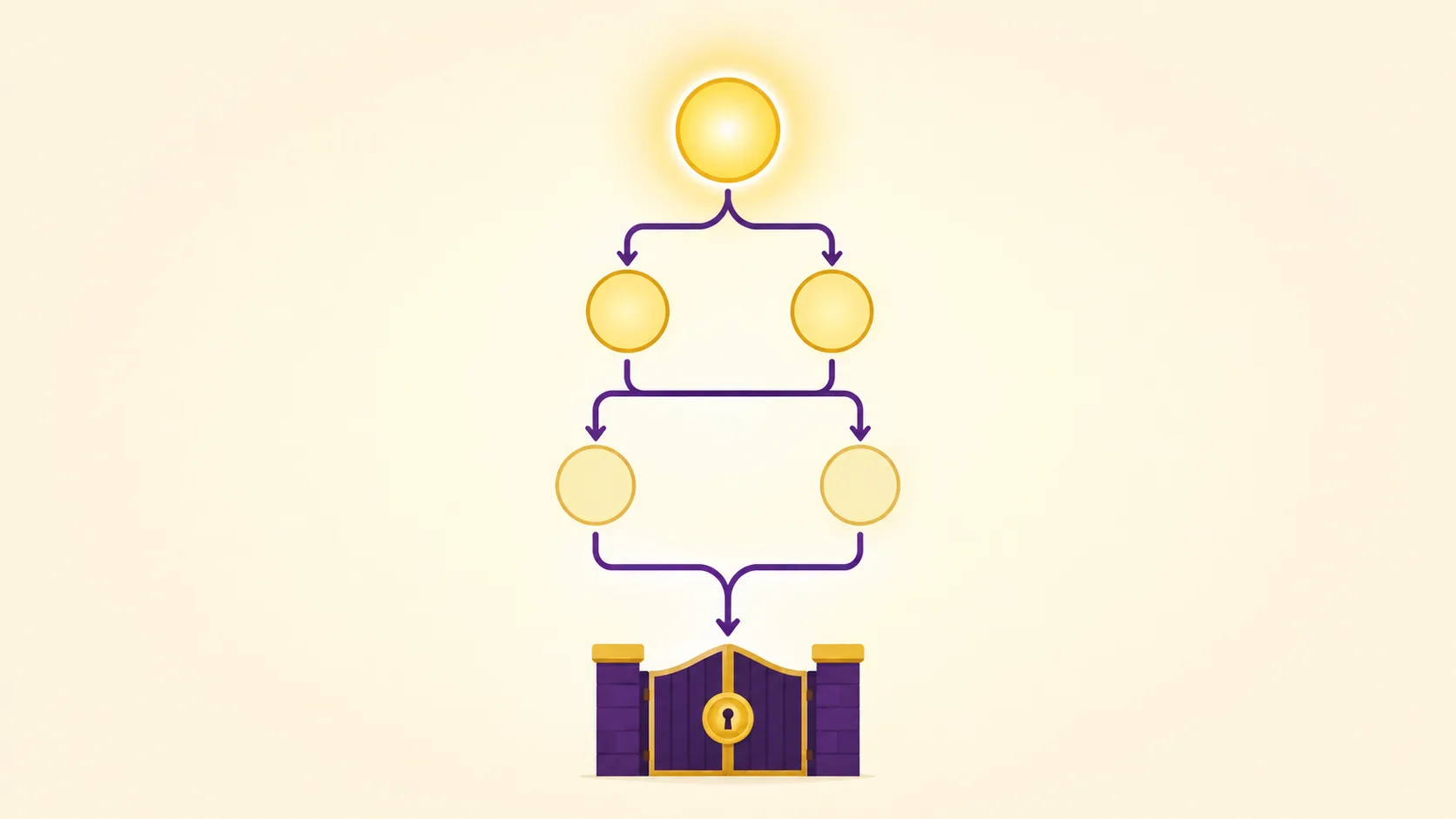
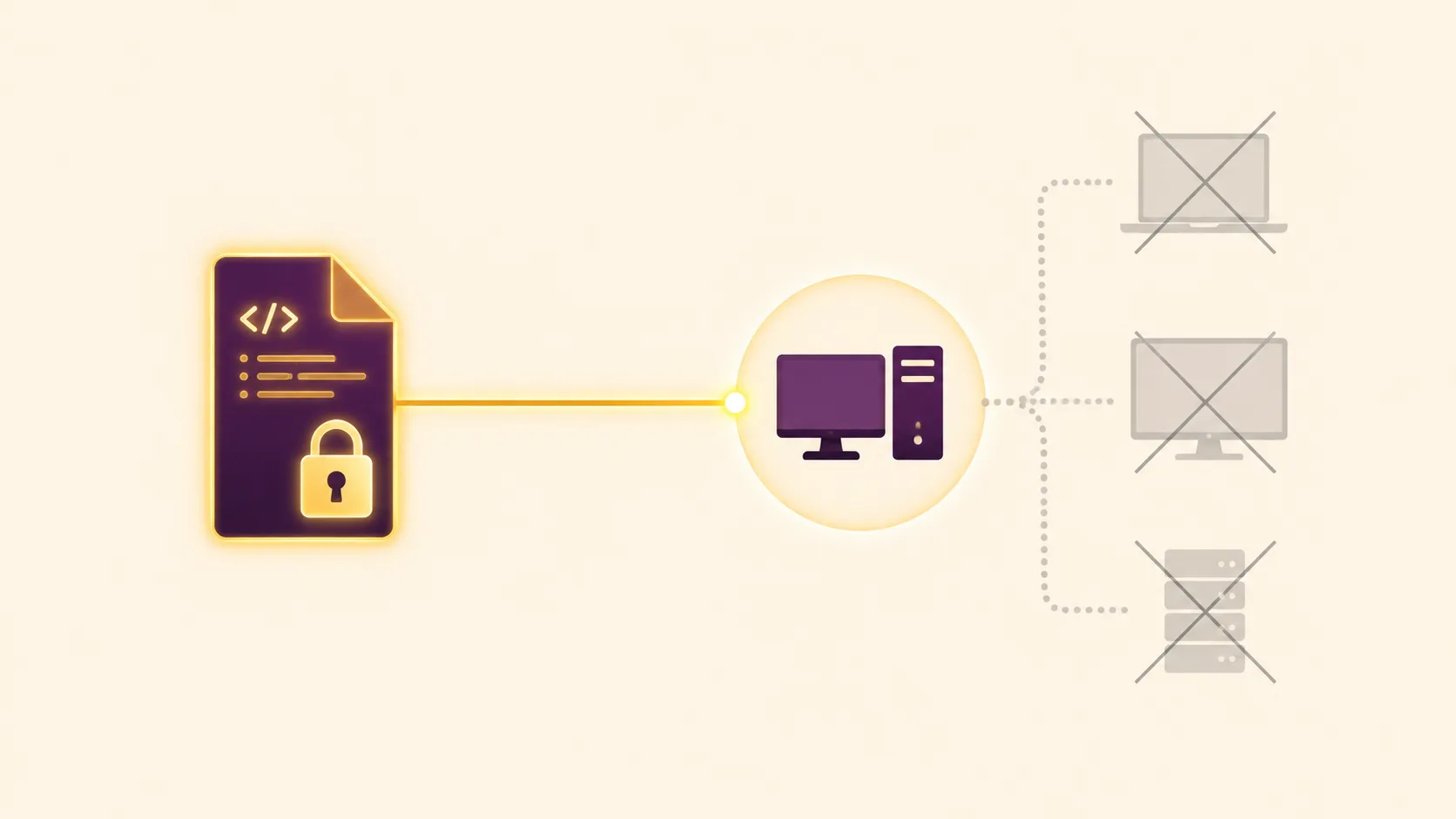
Every AZRA file must open with `Imvoke`, which authorizes the file to run: it declares which system, version, and access level is permitted. Without it, the file is rejected outright. `World-type` follows immediately, defining the execution environment (here, the Azra world with a given IP). Together, these two lines form the file's pre-execution metadata, closed with a DBS line.
The Variable Block
-0p = Person("Armin", 17)-
-1res = p:category()-
This creates a `Person` object named `p`, then calls its `category()` method and stores the result in `res`. Every AZRA variable needs a leading dash, a sequential index (`0`, `1`, ...), a name, and a trailing dash — miss either dash and you get a Syntax Error. Since this block has 2 lines, it closes with a 2-dash DBS.
The `Person` Class
Class(:Person | [name:str, age:int])
A class definition holds the class name and a property list. Because the class definition itself counts as a single structural line, it closes with exactly one dash.
The `category` Method and the Conditional Chain
Inside the class, `Method(:category) ->str` defines a method returning a string. Its body uses AZRA's four-part conditional chain — `is`, `reply`, `shoot`, `wall()` — which must always appear in that exact order:
- `is` checks the primary condition (age 60+ → Senior).
- `reply` sections are checked in order, only if everything before them was false (30+ → Adult, else check_teen → Teen).
- `shoot` is the fallback if nothing else matched (→ Child).
- `wall()` mandatorily closes the chain — without it, the compiler can't tell where the decision structure ends.
The method's closing DBS line matches its internal line count.
The `check_teen` Function
A standalone `Func`, used here as a `reply` condition inside the class. It returns `true` or `false` based on whether age falls between 13 and 20 — showing that functions and methods can call into each other.
Output and Closing
`Extract(:@1)` prints the value stored in variable 1 (`res`). Finally, `Submit(:22.azr)` officially closes the file — no executable instructions are allowed after it. (A real file would typically also include `Delog{...}` just before `Submit` to specify which variable types the compiler should process; it's optional here since AZRA processes all variables by default when it's omitted.)
The Same Logic in Python
```python
class Person:
def __init__(self, name, age):
self.name = name
self.age = age
def category(self):
if self.age >= 60:
return "Senior"
elif self.age >= 30:
return "Adult"
elif check_teen(self.age):
return "Teen"
else:
return "Child"
def check_teen(age):
return 13 <= age < 20
p = Person("Armin", 17)
res = p.category()
print(res)
```
Where the Two Actually Differ
The logic is identical — but the philosophy behind the syntax isn't:
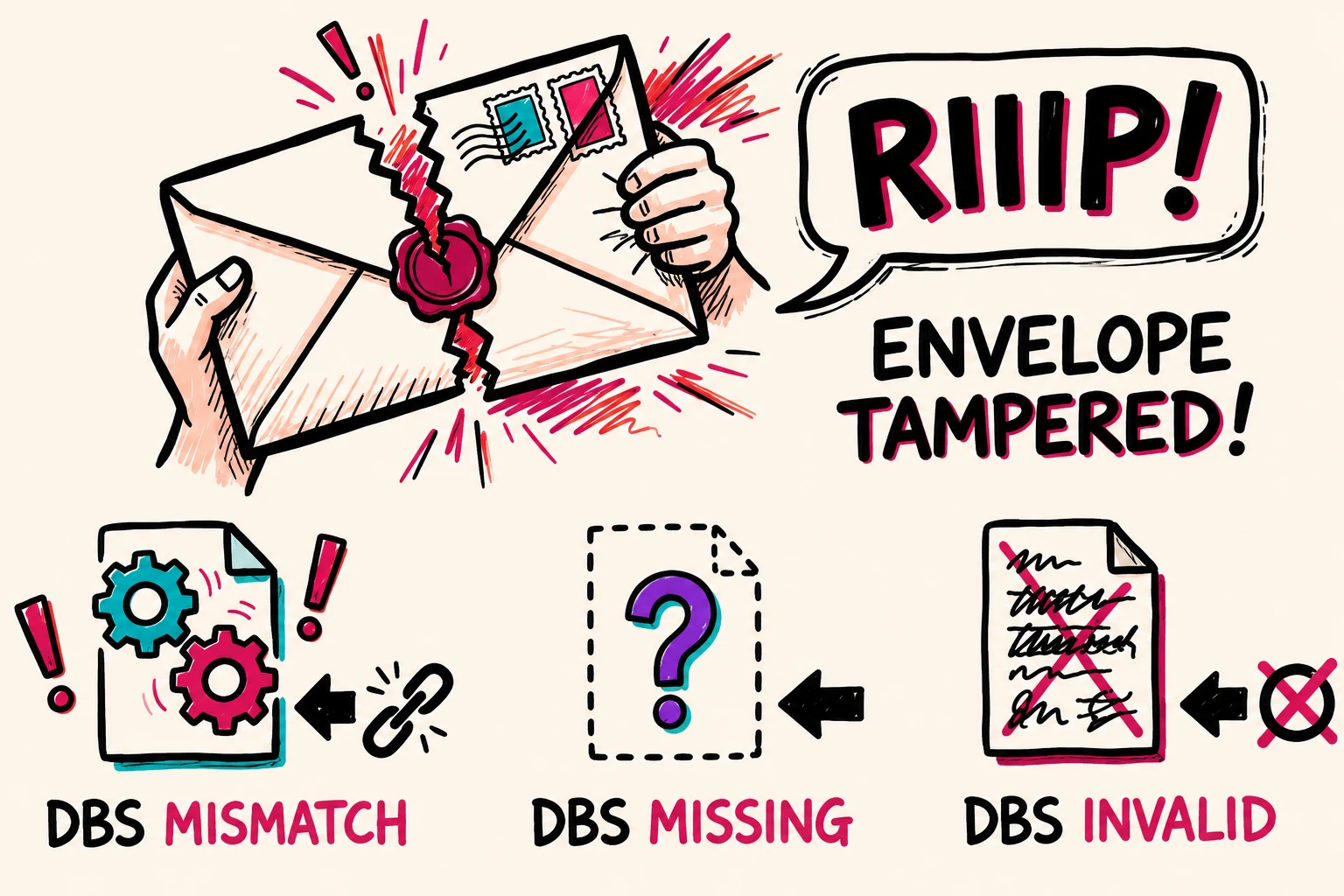
- Python trusts you; AZRA verifies you.Python has no built-in mechanism to confirm a block wasn't accidentally altered. AZRA's Dash Block Separator (DBS) means every block carries its own line-count signature, so tampering or accidental edits are caught structurally, not just at runtime.
- Explicit authorization vs. implicit execution. Python code runs the moment you call `python file.py`. AZRA requires `Imvoke` and `World-type` up front — the file states which system and environment it's authorized to run in before any logic executes.
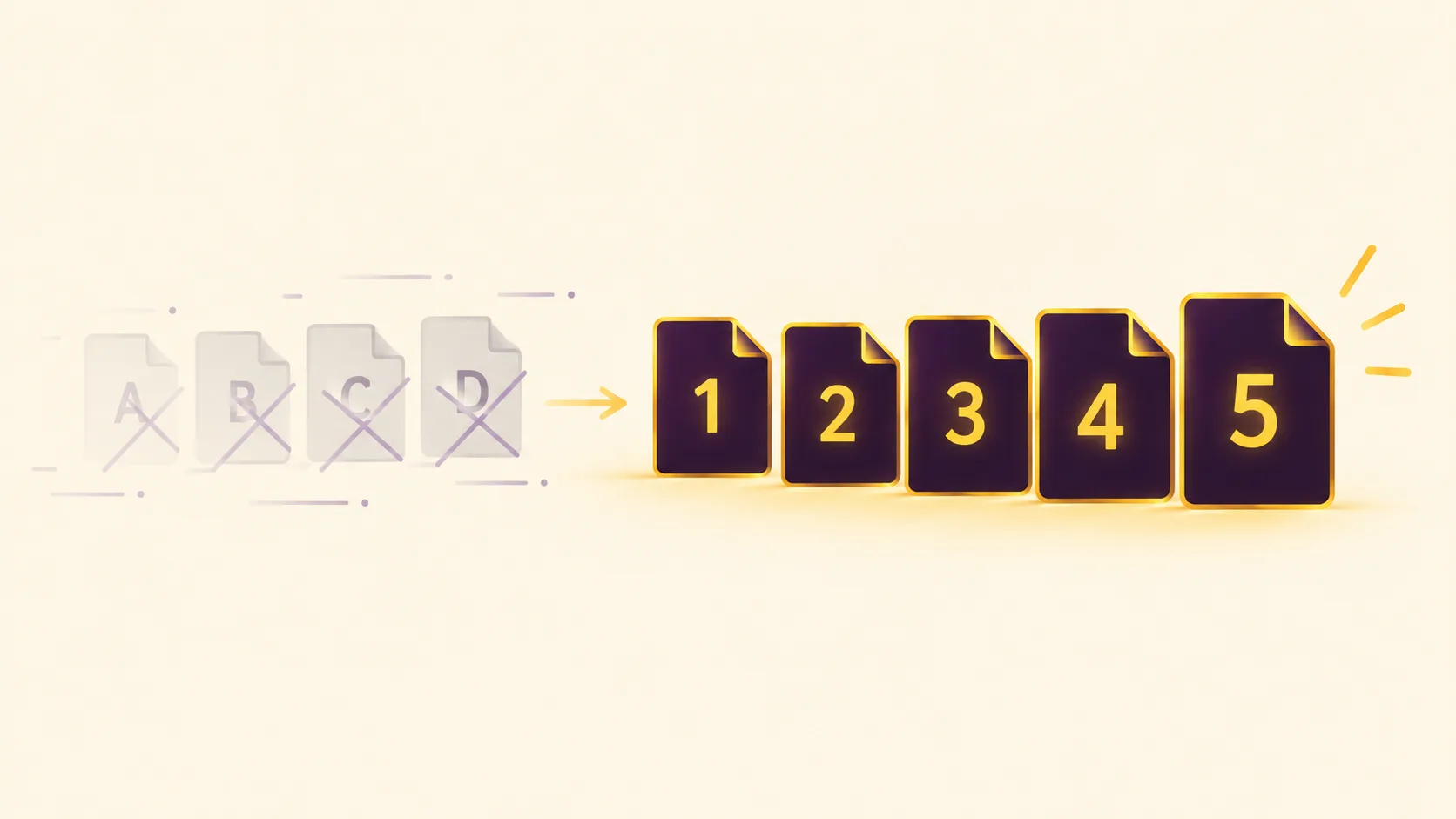
- Numbered variables vs. named ones. Python variables are just names. AZRA variables carry both a name and a mandatory sequential index (`-0p`, `-1res`), part of how AZRA validates structure at compile time.
- `elif` vs. `is / reply / shoot / wall()`. Functionally similar, but AZRA's chain is a fixed four-part structure with a mandatory closing `wall()` — there's no ambiguity about where the conditional block ends.
-Filenames. A Python file can be named anything. An AZRA file must be named using numbers only (`22.azr`, `561.azr`) — no letters allowed.
- Dependencies. Python can import almost anything. An AZRA file can only connect to other AZRA files — any external or non-AZR code must first be converted into AZR format before it can be used.
A Quick Preview of What's Changing
AZRA's variable system itself is currently evolving. Numbers, strings, and combinations each get their own defined behavior — for example, negative numbers currently need single quotes to be recognized correctly, and strings over 50 characters need double quotes, while shorter ones don't strictly require them. There's also a newer concept called **Referrals**, using `@`, that lets a value be created and then pulled into a named variable afterward. This is still developing, and we'll go deeper into the full variable system in a dedicated post soon.
- Next Up
In the next post, we'll look at the Target System — the part of AZRA that defines exactly what environment or device a piece of AZRA code is meant to run on.
0 Comments